1. Edit Information #
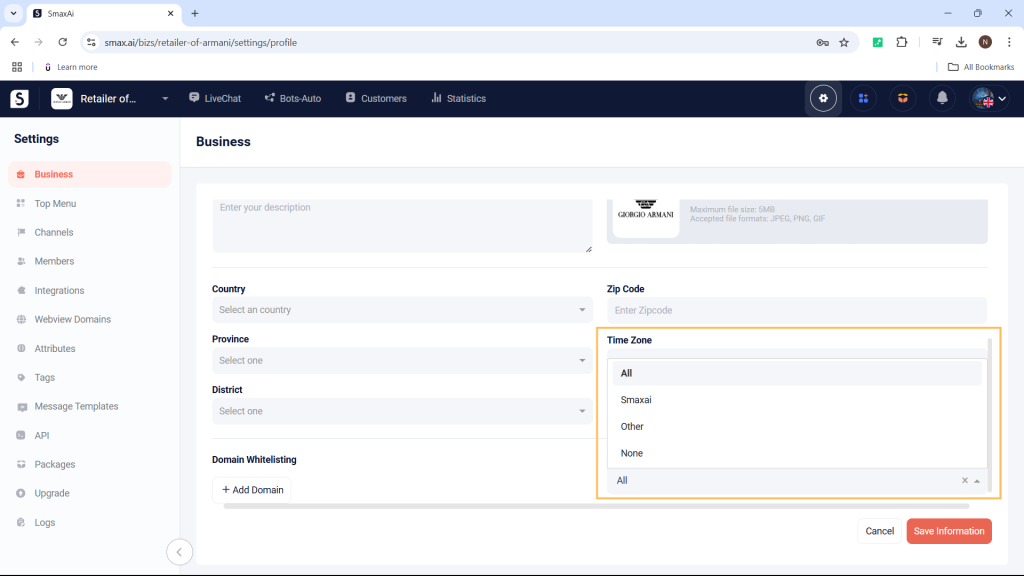
In the Business Settings, you can edit various details about your business, such as:
- Name
- Phone number
- Alias
- Website
- Industry
- Company size
- Description
- Profile picture
- Address: Country, district, city
- Zip Code
- Time zone
After making your edits, select Save Information to save the changes.
2. General Settings #
2.1 Domain Whitelisting #
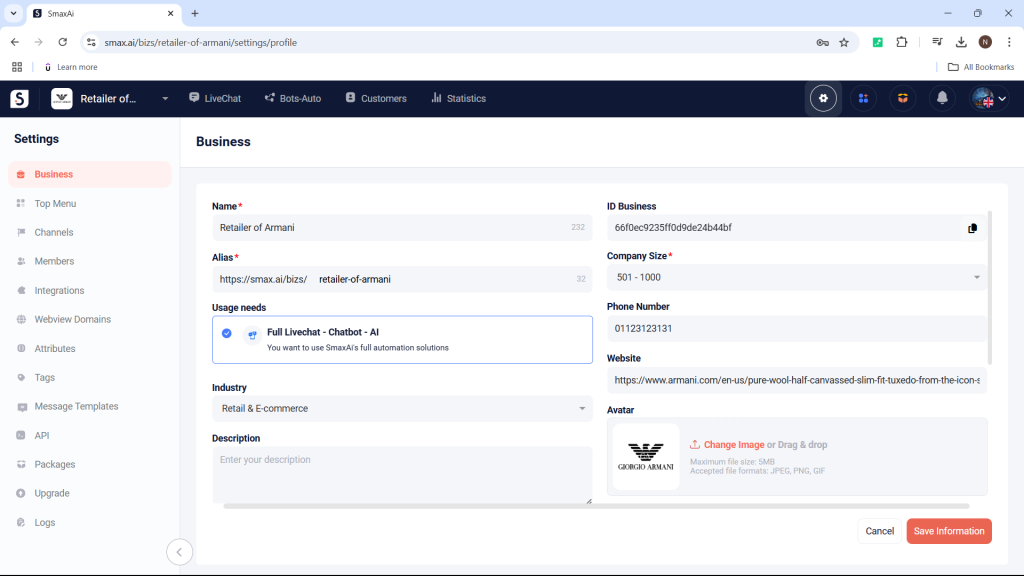
Domain Whitelisting is a list of domains that are allowed to open as PopUps (windows) on Messenger. When you add a domain to the Domain Whitelisting in the Business Settings, it will be applied to all of your pages.
2.2 Auto Mark Messages as Read #
When messages are sent from the Bots-Auto module or from other platforms, the system will automatically mark the conversation as unread in the LiveChat module to prevent staff from overlooking messages.
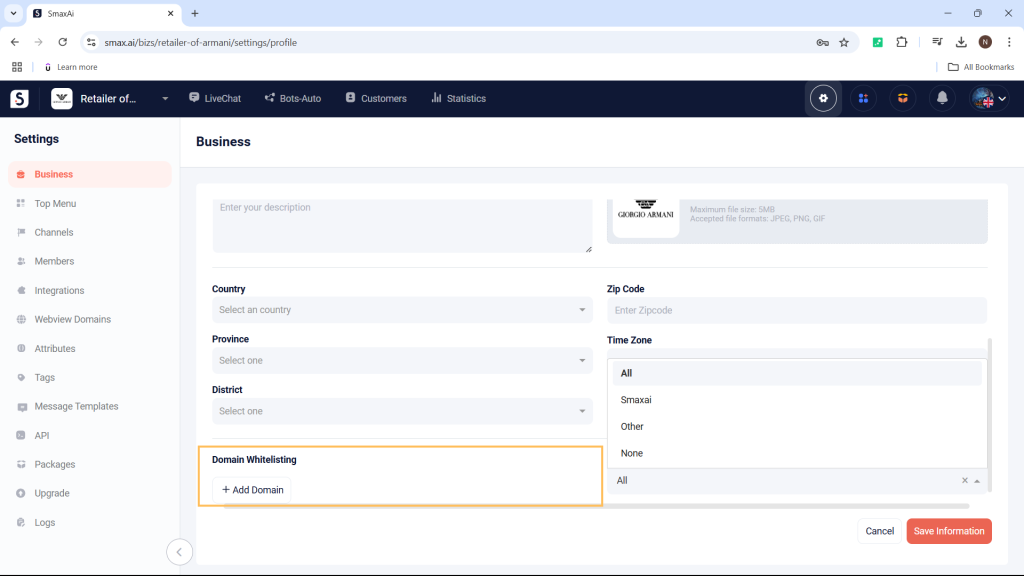
You can enable the Auto mark read thread setting to skip messages sent from Bots-Auto or other platforms:
- All: Applies to messages sent from both Bot – Auto and other platforms.
- Smax: Applies only to messages sent from Bot – Auto.
- Other: Applies only to messages sent from other platforms.
- None: Does not apply to any messages.