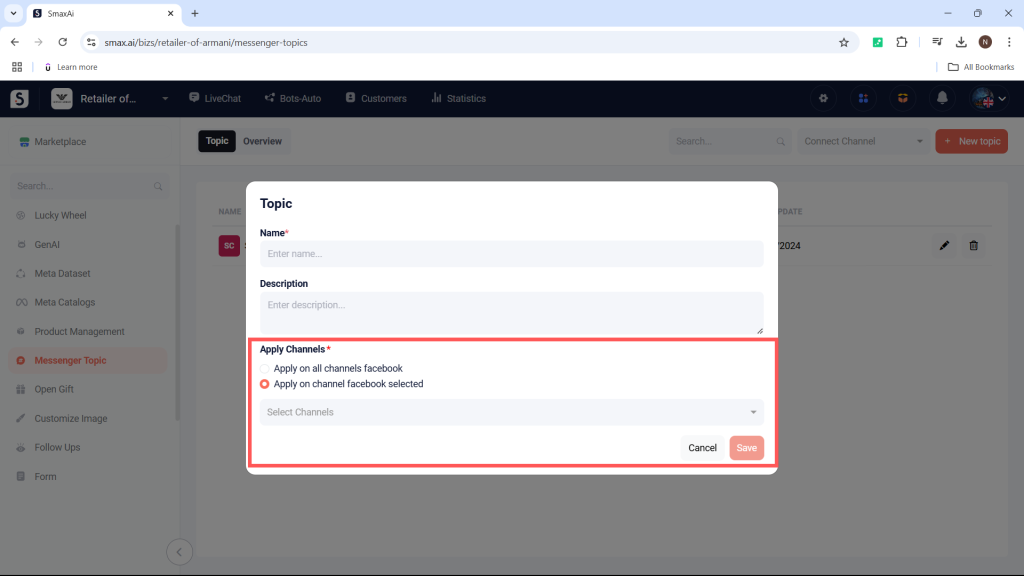
The Marketing Messages module allows you to create topics that customers can subscribe to and receive notification messages about.
Step 1: Access the Module #
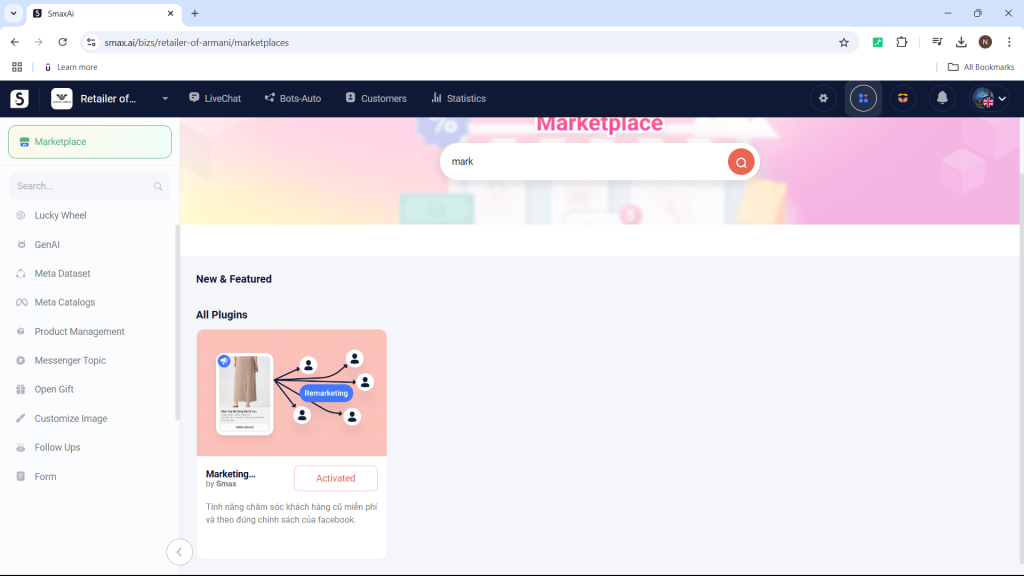
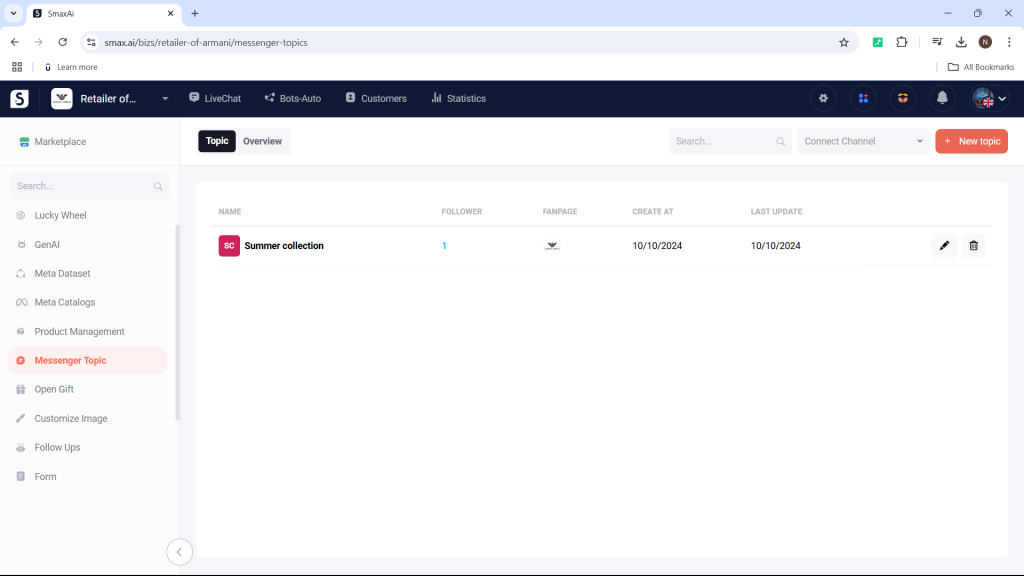
Go to Extend Modules, select Marketing Messages, and click on Create New Topic.
Note: Ensure the module is set to Active before use.
Step 2: Name the Topic #
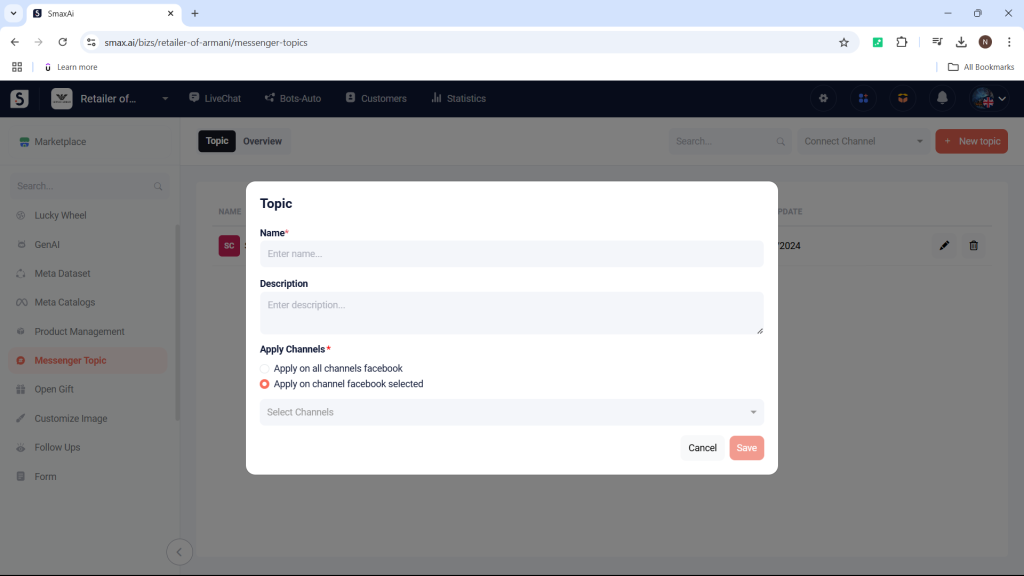
Name the topic; this name will appear as the subject when sent to customers via the Messenger Marketing Message card.
Step 3: Choose Applicable Channels #
Select the channels for which the topic will apply, either by choosing specific channels or selecting all. Then, click Save to create the new topic.
To send a topic to customers through the chatbot, use the Messenger Marketing Message card.
For more details, refer to the Messenger Marketing Message guide.