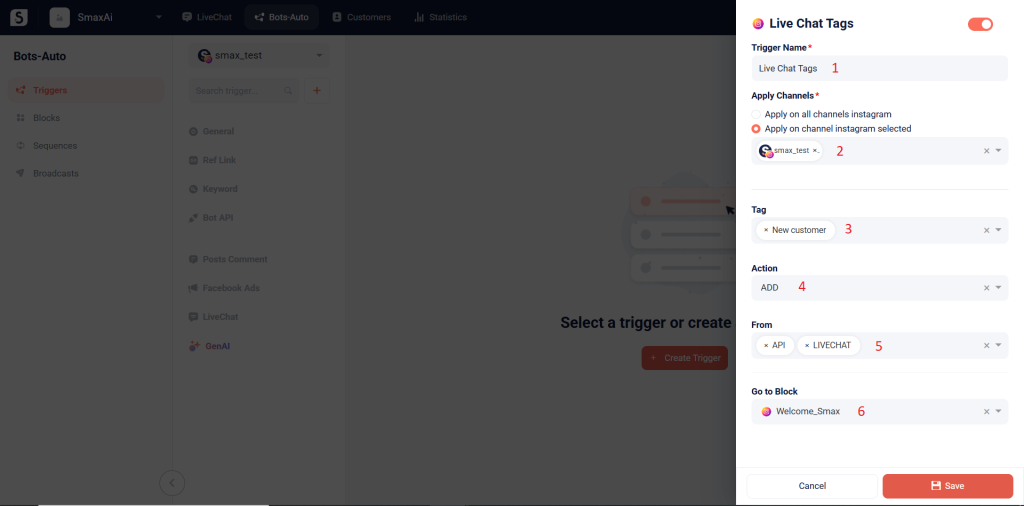
The Livechat Tags trigger will activate the flow when there is an action to add or remove a tag.
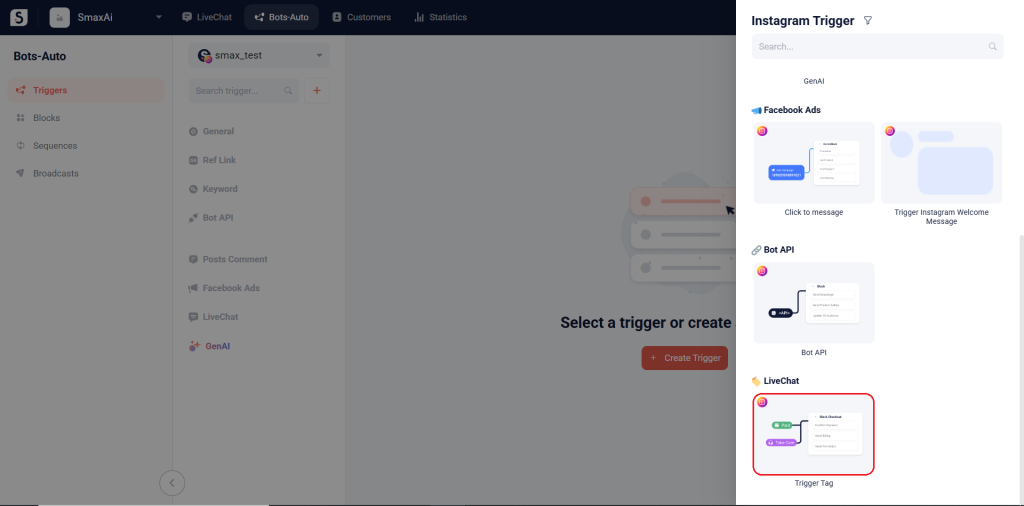
(1) Trigger Name: Enter the trigger name
(2) Apply Channels: Choose the channel(s) where this trigger will be active
(3) Tag: Select the tag(s) to apply this trigger to
(4) Action:
- REMOVE: Activate the trigger when tag(s) is remove
- ADD: Activate the trigger when the tag(s) is added
(5) From:
- LIVECHAT: If you want to activate the trigger when adding or removing tags in the LiveChat module
- API: If you want to activate the trigger when running the chatbot script that adds or removes tags using the Change Tags card in the Bots-Auto module
(6) Go to Block: Select the block that will be sent when this trigger is activated