
The Messenger Video card is used to send videos to customers.
To add a video, you can:
- Upload a video to Imgur (Refer to this guide)
- Get the URL of a video posted on your page (Refer to this guide)
- Upload a video to Dropbox:
- Visit dropbox.com
- Select Upload File to upload the video to Dropbox.
- Select Share and choose Create to generate the sharing link
- Make sure to enable the Anyone can view permission.
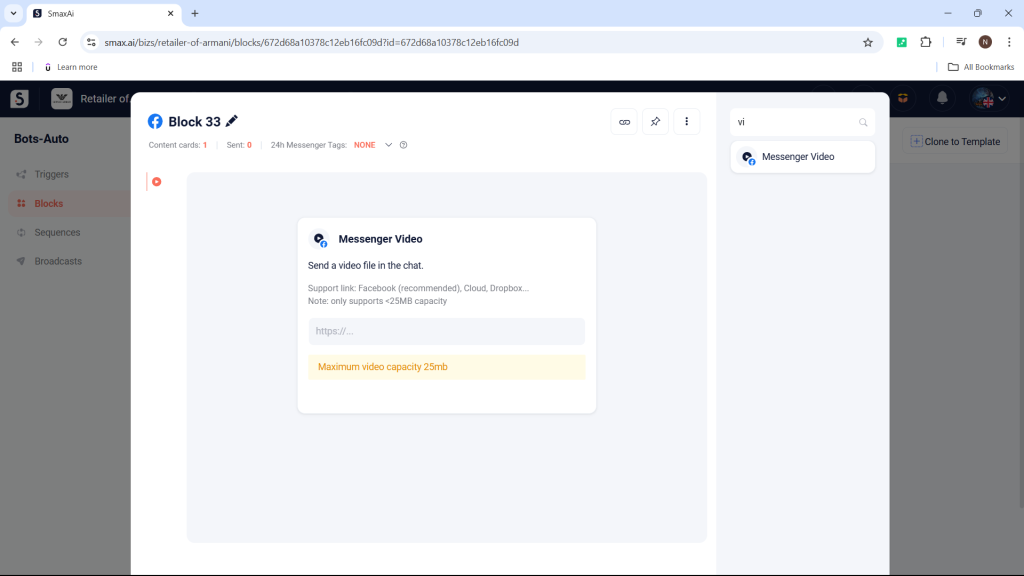
Then, copy the sharing link you just created and paste it into the Messenger Video card.
Note: The video link must end with .mp4.


